Vault
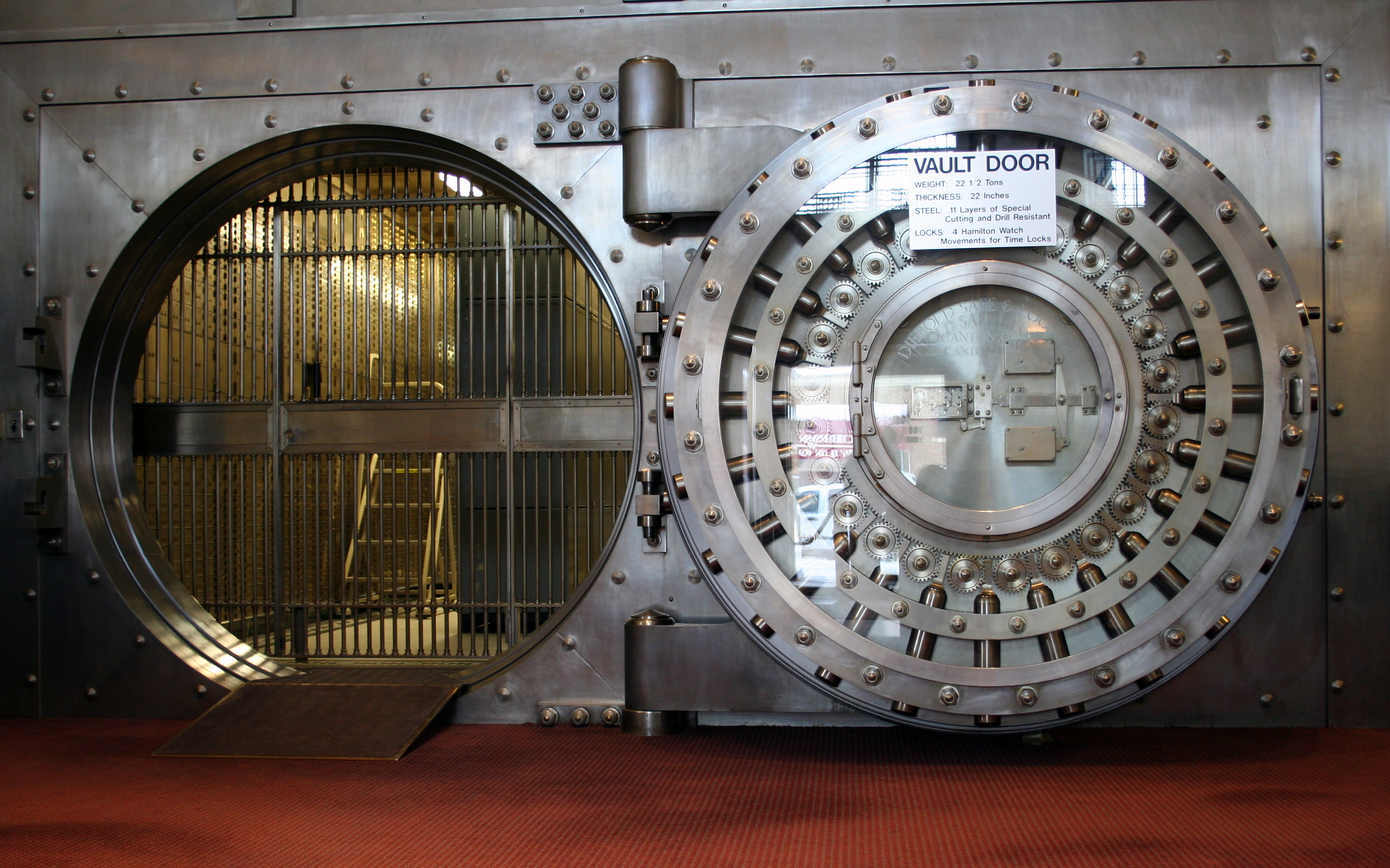 , (*1)
Securely store confidential information (passwords, ssl certificates, keys) in version control, (*2)
Installing Vault
Vault is a tiny CLI application that you can add to your projects by adding the following line to your composer.json:, (*3)
"require": {
    "linkorb/vault": "~1.0"
}
Run composer update to install the new project dependency, (*4)
Using Vault
Vault works with 2 directories:, (*5)
- The
vault directory (default vault/): this directory stores the confidential information in encrypted form
- The
secure directory (default secure/): this directory contains your confidential files in unencrypted
form, so that your application can use it. This directory will not be committed to version control, and should be added to your .gitignore file.
To start, create both directories, and put a confidential file in your secure/ directory., (*6)
Type the following command, to encrypt all files in your secure/ directory, and store then in the vault/ directory:, (*7)
vendor/bin/vault encrypt
Vault will ask for a password that will be used for encryption., (*8)
You can now check which files are stored in the vault using:, (*9)
vendor/bin/vault ls
To echo the contents of a single file from vault, run:, (*10)
vendor/bin/vault cat test.txt
Add your secure/ directory to .gitignore, and commit the files in the vault/ directory., (*11)
To use the files on another computer, use git pull to get the new files in the vault/ directory, and run the following command to decrypt them into the new local secure/ directory:, (*12)
vendor/bin/vault decrypt
Vault will ask for a password again, and extract the files one by one into the secure/ directory, so they can be used., (*13)
If you make any changes to files in the secure/ directory, make sure to run vault encrypt again to update the contents in vault/ so they can be sent to your version control system., (*14)
TODO:
- [ ] Make
vault/ and secure/ directories configurable through a Vaultfile
- [ ] Allow configurations of used encryption methods
- [ ] Add a
diff command, to check changes between vault and secure directories
License
MIT. Please refer to the license file for details., (*15)
Brought to you by the LinkORB Engineering team

Check out our other projects at linkorb.com/engineering., (*16)
Btw, we're hiring!, (*17)
 Wallogit.com
